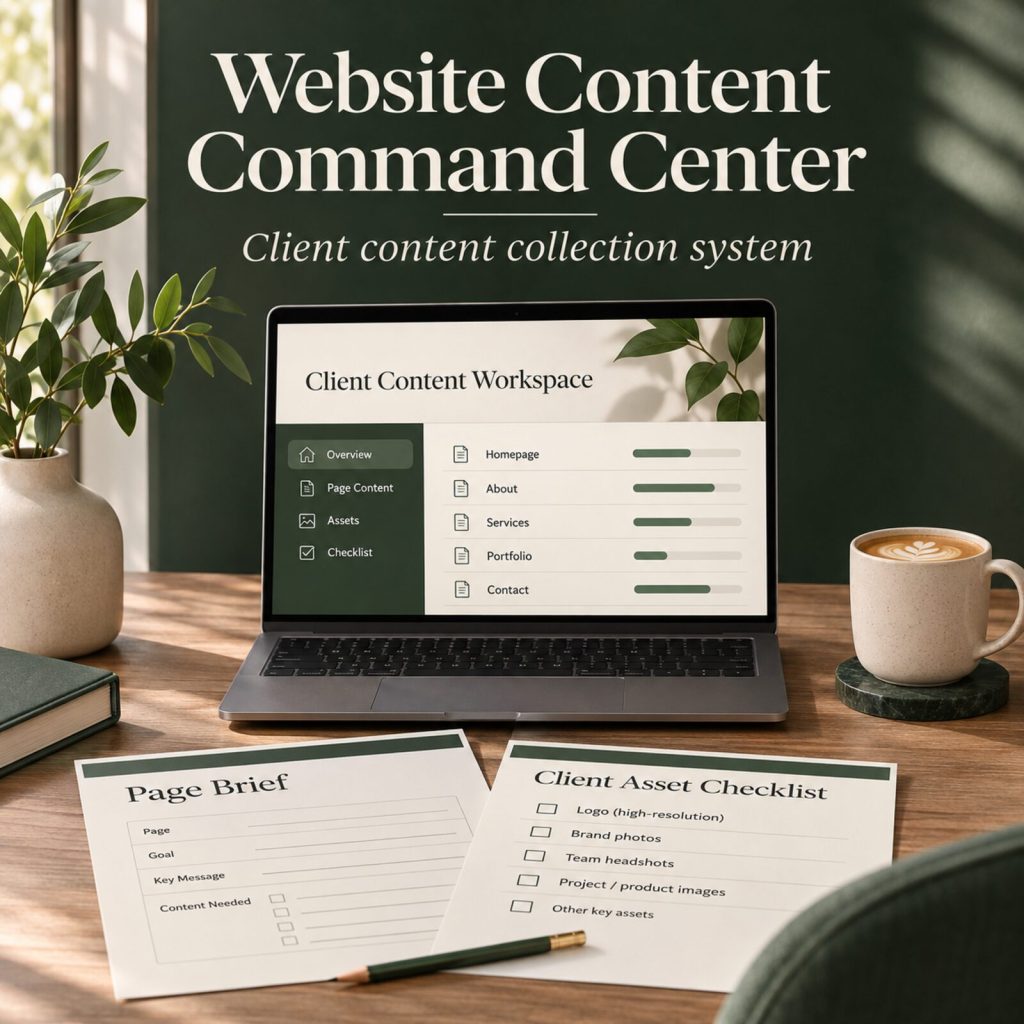
Website Content Command Center · Client content collection kit
Stop chasing scattered website content.
A focused content-collection system for web designers and developers. Request the right material, organize page briefs and assets, guide approvals, and begin every website project with clearer source information.
One-time payment
Get the Website Content Command Center Pay with PayPalInstant access right after payment
What you get
- One-time purchase · $19 USD
- Built for web designers and developers
- Offline workspace + editable template files
- Secure checkout
- One-time payment
The content delay is rarely a writing problem
A website project slows down when the facts, proof and assets live in too many places.
Vague notes, missing images and open-ended review requests create unnecessary follow-up. This kit gives you a calmer way to collect the material that only the client can provide, turn it into page-ready briefs, and document final approval before launch.
- Ask for positioning, offers, proof and imagery with a client-ready workbook.
- Give every important page one visitor task, action and evidence plan.
- Track assets and approvals before they become last-minute launch blockers.
A clear workflow from kickoff to final approval
Collect the source material. Shape the page plan. Review with confidence.
01
Request what actually matters
Use the client request email and guided workbook to collect offers, customer language, proof, FAQs, links and brand assets—without asking the client to write a perfect website draft.

02
Keep the project in one calm workspace
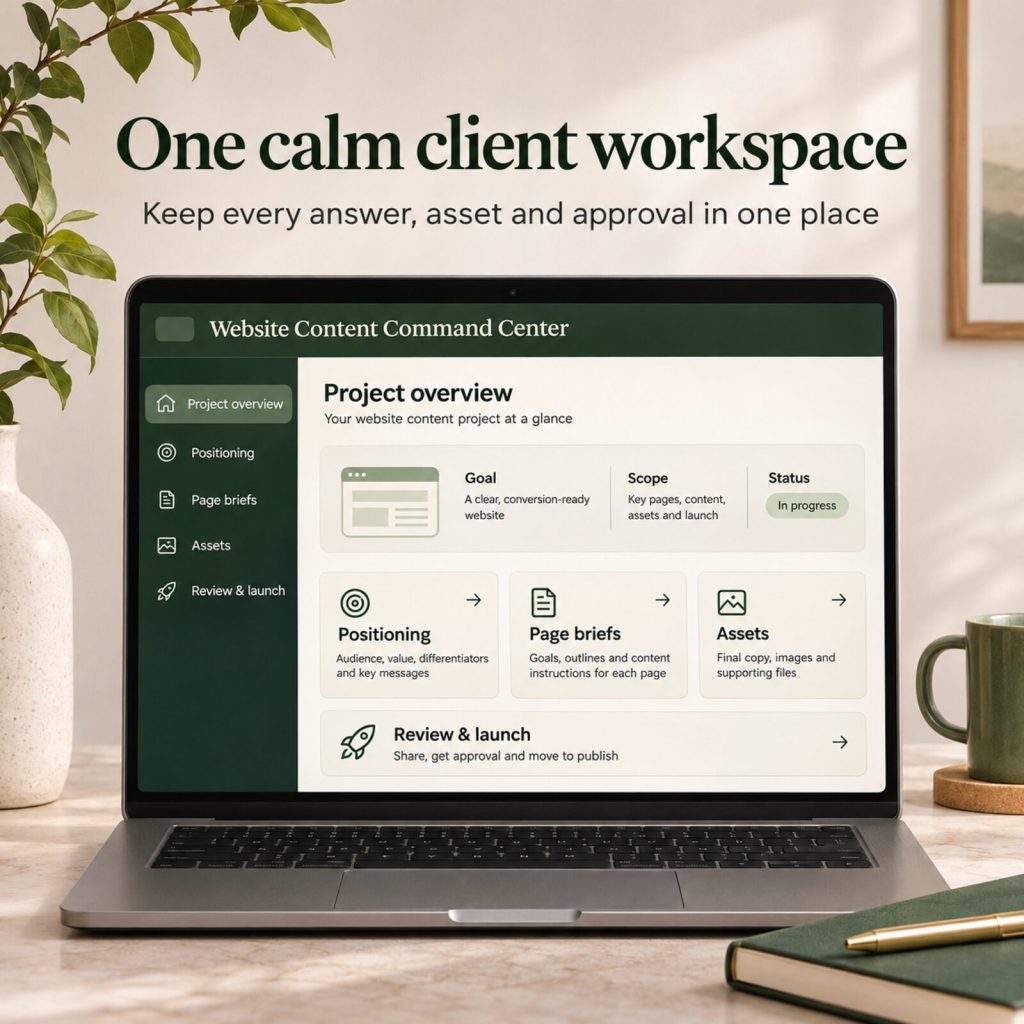
Open the included browser-based command center locally. It holds project context, positioning notes, page briefs, asset tracking and launch-review notes, with local saving and CSV export.
03
Make approval specific
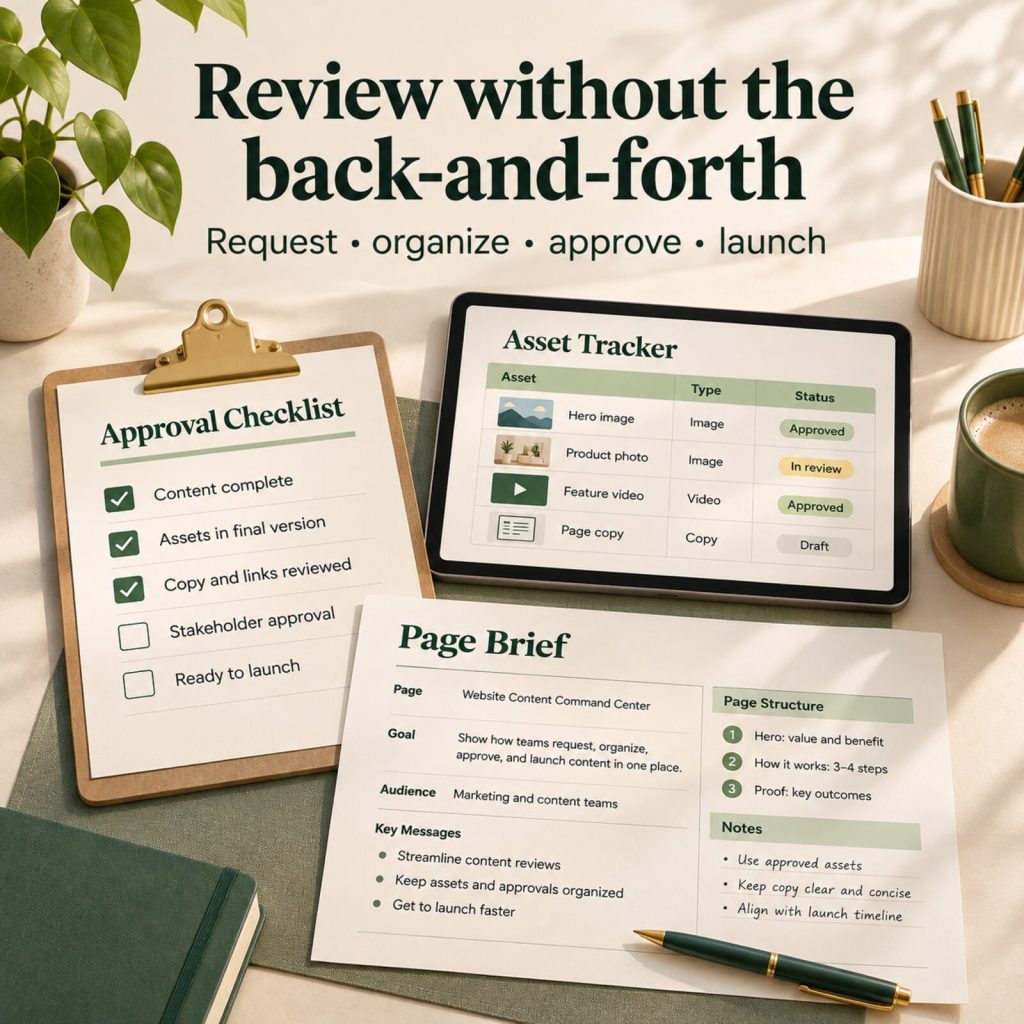
Use the page brief, reminder email and final launch checklist to ask focused questions, verify claims and permissions, and record what the client approved before publishing.
Inside your instant download
Everything you need to collect website content without the chase.
Designed as straightforward editable text, Markdown and HTML files. Use the pieces with Google Docs, Notion, Word, your own project tool—or simply send them as-is.
-
Offline Website Content Command Center
A polished browser workspace for project overview, positioning, page briefs, asset tracking, review notes, local saving and CSV export.
-
Client Content Workbook + Request Emails
A guided way to collect core messaging, offers, proof, page information, brand assets and final approvals.
-
Page Brief, Asset Request & Launch Checklist
Focused operational templates for translating source material into pages and checking the essentials before launch.
-
Website Content Collection Field Guide
A practical guide to better client content collection, evidence-led drafting and sensible SEO hygiene.
-
20 Focused AI Prompts
Optional prompts for organizing verified client material, finding gaps and improving clarity without inventing facts.
-
Visual Pack + Commercial-Use Client License
Four professional product visuals and a clear licence for use and adaptation in your own client work.
How to use the Website Content Command Center
- Start at kickoff. Send the content-request email and share the workbook with a clear essentials deadline.
- Collect evidence before drafting. Capture real offers, customer language, approved proof, FAQs, imagery and business details.
- Build a short brief for each key page. Define the visitor, their task, the primary action and the proof that should appear.
- Track the gaps. Use the offline workspace to assign assets and flag details that still need approval.
- Review facts first. Then review structure, wording and visual details. Use the final checklist before publishing.
This kit supports a more organized client-content workflow. It does not replace legal, privacy, accessibility or professional SEO advice, and it does not guarantee rankings, approvals, traffic or sales.
One-time purchase · USD
Make content collection the calmest part of the project.
Get the complete Website Content Command Center for $19. Includes the offline workspace, editable content templates, field guide, AI prompts, visual pack and client-work licence in one instant download.
$19
One-time payment- Instant access
- Secure checkout
- Download anytime
- Includes updates
Website Content Command Center FAQs
What is Website Content Command Center?
It is a client-content collection system for web designers and developers. It helps you request business details, proof, images, page information and final approvals in a more organized way.
What is inside the instant download?
One ZIP with an offline browser workspace, a website content workbook, client request and reminder emails, page brief, asset request list, launch approval checklist, field guide, 20 focused AI prompts, licence and four visual assets.
Do I need a subscription or a paid AI tool?
No. The workspace opens locally in a modern browser and saves its data in that browser. The AI prompts are optional plain-text resources; no AI subscription or software access is included.
Can I use it with my clients?
Yes. One purchaser may adapt the materials for their own business and client projects. You may not resell, redistribute, share or turn the unmodified kit into a competing template product.
Will it guarantee SEO rankings, faster approval or sales?
No. This is a workflow and content-collection kit. Search performance, project timing and business outcomes depend on many factors outside the kit.
Get clear content before the build starts.
Open the workspace, ask better questions, organize what comes back and guide every key page toward a more confident launch.
Get the complete kit