Estimate the actual deliverables
Break the project into work you can describe and review. Replace every sample hour and rate with your own.
Scope & Quote Studio · Web Designer Edition
Define the work, build a transparent estimate and keep new requests visible. One offline workspace, 12 editable client templates and a practical guide from first enquiry to handover.
Before the next “quick change”
Page counts, review rounds, missing content and new features can get lost between the first conversation and the final handover. Give the estimate a clear scope and give each new request its own decision.
A focused workflow for small website projects
01
Add deliverables, hours and rates. Review labor, external costs, contingency, a manual tax estimate and deposit calculations in one place. Export JSON backups to move between projects. The self-contained HTML app needs no account, API key or internet connection.

02
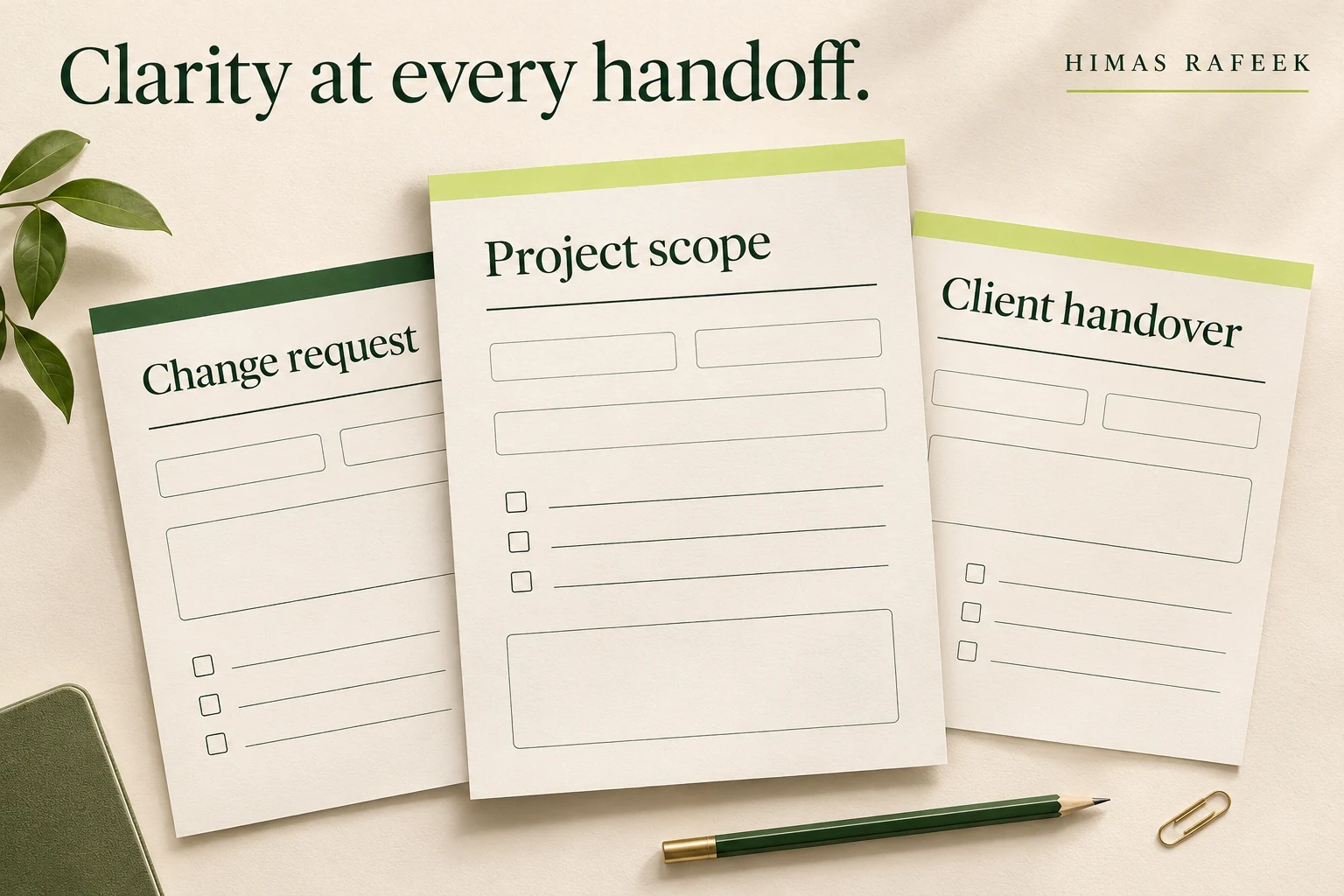
Use 12 plain-text resources for qualification, discovery, proposals, content collection, kickoff, feedback, changes, status updates, handover and care-plan conversations. Adapt the wording to your project, then copy it into the tools you already use.
03
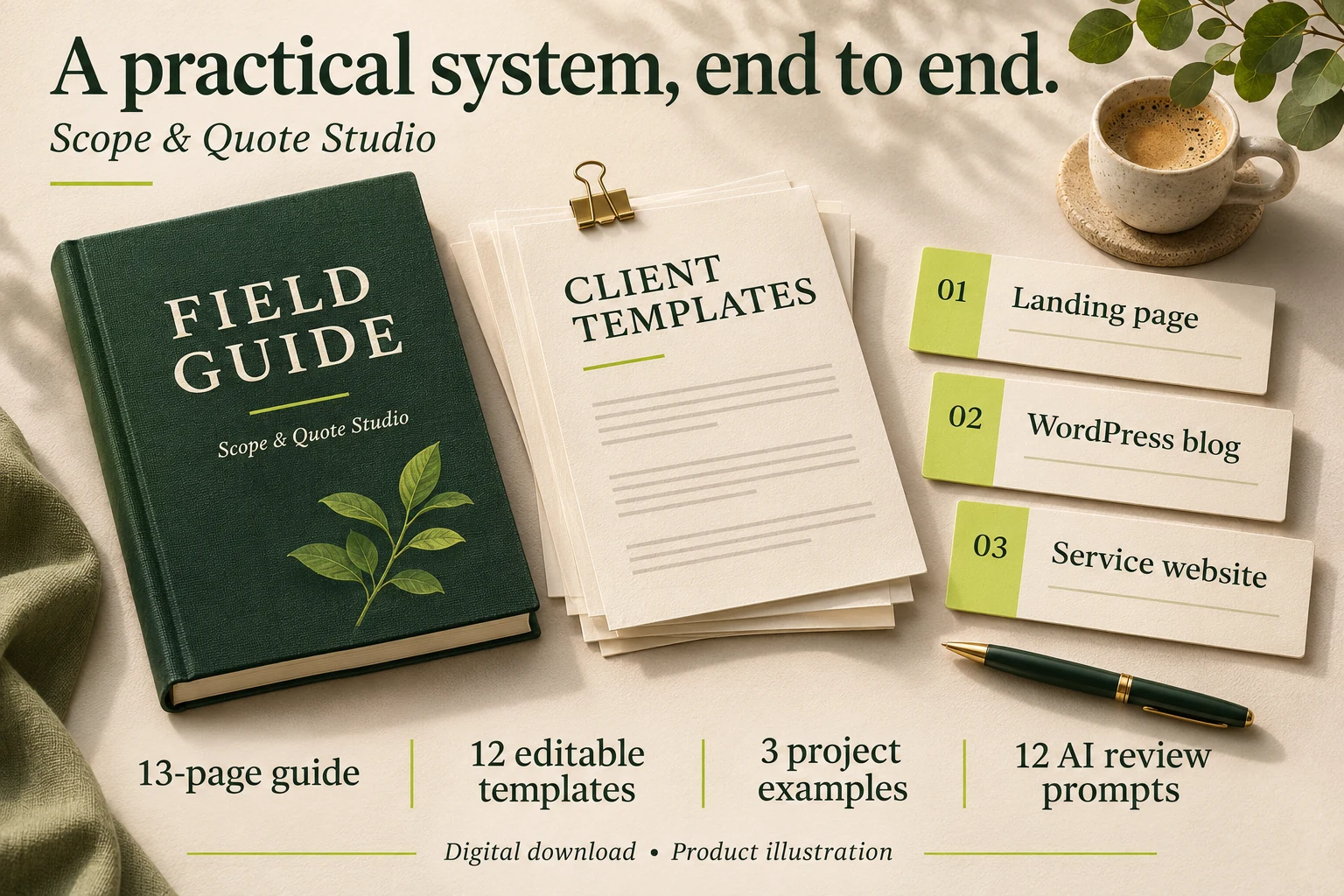
Follow the 13-page guide and explore fictional landing page, WordPress blog and service website projects. See the arithmetic, boundaries and dependencies behind each example. Twelve optional AI prompts help you review consistency and missing information. Product images are illustrations, not screenshots.
Five connected app views
Break the project into work you can describe and review. Replace every sample hour and rate with your own.
Capture inclusions, exclusions, dependencies, milestones, review rounds and observable acceptance checks.
Keep pending requests separate and see the revised total for approved changes. Retain written client approval outside the app.
Work through an 18-point checklist covering delivery, access, ownership, walkthroughs and support boundaries.
Review the generated client document, download plain text or use your browser to save a PDF.
Start a new project or restore a saved JSON backup. No mandatory recurring software subscription.
Inside your ZIP
21 files, organized into five folders with clear start instructions. Everything is editable where it needs to be.
Offline HTML app
Estimate, Project scope, Change requests, Launch checklist and Client document views.
13-page PDF field guide
Twelve practical chapters plus a cover, with worked totals and usage guidance.
12 editable TXT templates
From lead qualification and discovery to changes, weekly updates and handover.
Three JSON project examples
Landing page, WordPress editorial blog and local service website, with an arithmetic reference.
12 optional AI review prompts
Brief extraction, scope checks, proposal consistency, feedback and handover review.
Start instructions and usage permissions
Internal use for one person or business team, including completed outputs for clients.
The workflow is designed for freelancers handling small website projects. Complex ecommerce, custom applications and regulated workflows need additional scoping and review.
One-time purchase · USD
Get the complete Scope & Quote Studio v1.0 download for $19. A current desktop browser, PDF reader and text editor are recommended. Optional third-party AI tools are separate. This purchase does not include a hosted service, legal contract, payment processor or resale rights.
Free
Free account requiredAlso included with membership. See membership
Freelance web designers, WordPress developers and small studios planning landing pages, brochure websites and straightforward blog projects. It is most useful when you want a repeatable process for estimates, scope, changes and handover.
One ZIP containing a self-contained HTML app, a 13-page PDF field guide, 12 editable TXT templates, three importable JSON project examples, an examples reference, 12 optional AI review prompts, start instructions and usage permissions. The customer ZIP contains 21 files.
No. The app opens locally in a desktop browser. The templates use plain text, and the guide is a PDF. The optional prompts can be copied into an AI service you choose; no AI service or subscription is included.
It multiplies each deliverable’s hours by its rate, adds one-time external costs, then applies your contingency percentage. Your manually entered tax percentage applies to that subtotal. The deposit is calculated from the resulting total. Values are rounded to two decimal places. There is no currency conversion or automatic tax determination.
Yes. One person or one business team may use and adapt the toolkit internally for their own work and client projects. You may send completed proposals, scopes and handover documents to clients. Reselling or publicly redistributing the reusable toolkit, app or source files is not included.
It is a self-contained HTML file designed for current desktop browsers on Windows, macOS and Linux. No installation or server is required. Browser storage and print layout can vary. Functional checks used a JavaScript DOM test environment; full interactive browser and operating-system compatibility testing was not available for this release.
Yes, by exporting a separate JSON backup for each project and importing it when needed. The app has one active workspace at a time, rather than a multi-project database. Export before loading another project.
The app makes no network requests. It uses local browser storage when available and downloads files to your computer. Browser storage can be cleared, so export backups regularly. JSON backups are not encrypted; keep passwords, API keys and sensitive records out of them.
No. The scope and proposal resources are planning drafts. Use your own appropriate agreement and invoicing process. The change approval checkbox is an internal record, not a client signature or proof of acceptance.
No. All sample clients, hours, rates and payment settings are illustrative. Replace them with your own estimates and agreed commercial terms. The kit does not guarantee higher rates, fewer disputes or more sales.
The featured and gallery images are AI-created product illustrations. They show the toolkit’s themes and contents, rather than exact app or document screenshots. The download includes the working HTML app and editable resources described above.
Review the Client document view, then use Print / save PDF through your browser or Download proposal TXT for editable text. Inspect the final export before sending. The app does not email documents or process payments.

Created by Himas Rafeek
Himas Rafeek
Himas Rafeek is a software engineer who creates websites, digital products and practical content systems for creators, freelancers and small businesses. Scope & Quote Studio brings that focus to the everyday work around a website project.
If your work also includes adapting articles into social and email content, explore the Blog Content Repurposing Kit. It is a separate product focused on content planning and drafting.
Open the app, define the work and prepare a proposal you can explain.
Get the complete toolkit