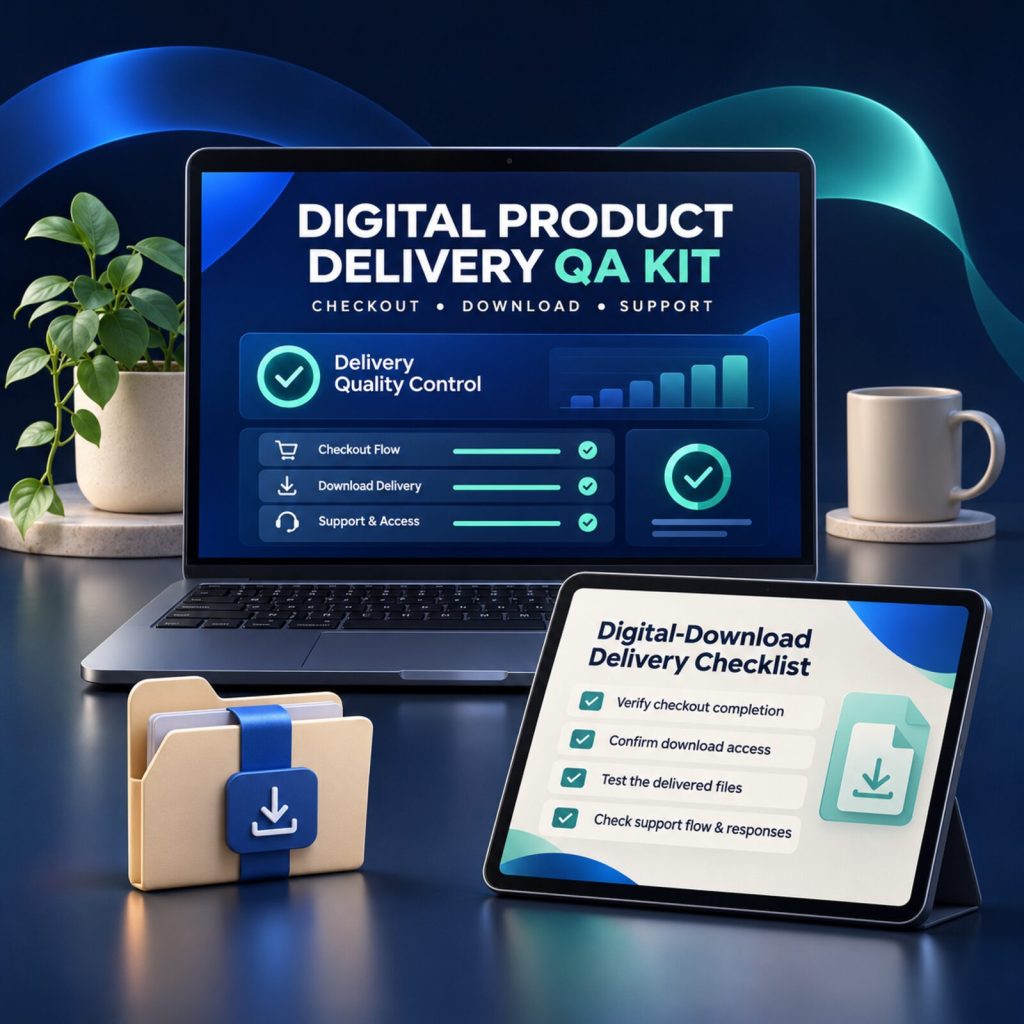
FOR DIGITAL PRODUCT SELLERS
A digital product is not ready until the buyer journey works.
Use one calm, offline workspace to test checkout, delivery, first use and the support route before you announce your launch or buy traffic.
What you get
- Offline browser workspace — no account required
- 15 practical checks from checkout to support
- Your notes stay in your browser until you export
- Secure checkout
- One-time payment
THE AVOIDABLE GAP
Uploading a ZIP is not the same as delivering a product.
A buyer needs to understand what they are getting, complete a clear checkout, find the correct files, open the first item and know how to ask for help. When those pieces are checked only from the seller’s view, small gaps can become confusing support requests at the worst moment.
- A page promises one thing while the delivery email says another
- The seller checks the source folder but not the customer download
- The start guide refers to an old filename or version
- A buyer cannot easily find a truthful support route
TEST WHAT THE CUSTOMER ACTUALLY EXPERIENCES
A focused system for a cleaner handoff.
01
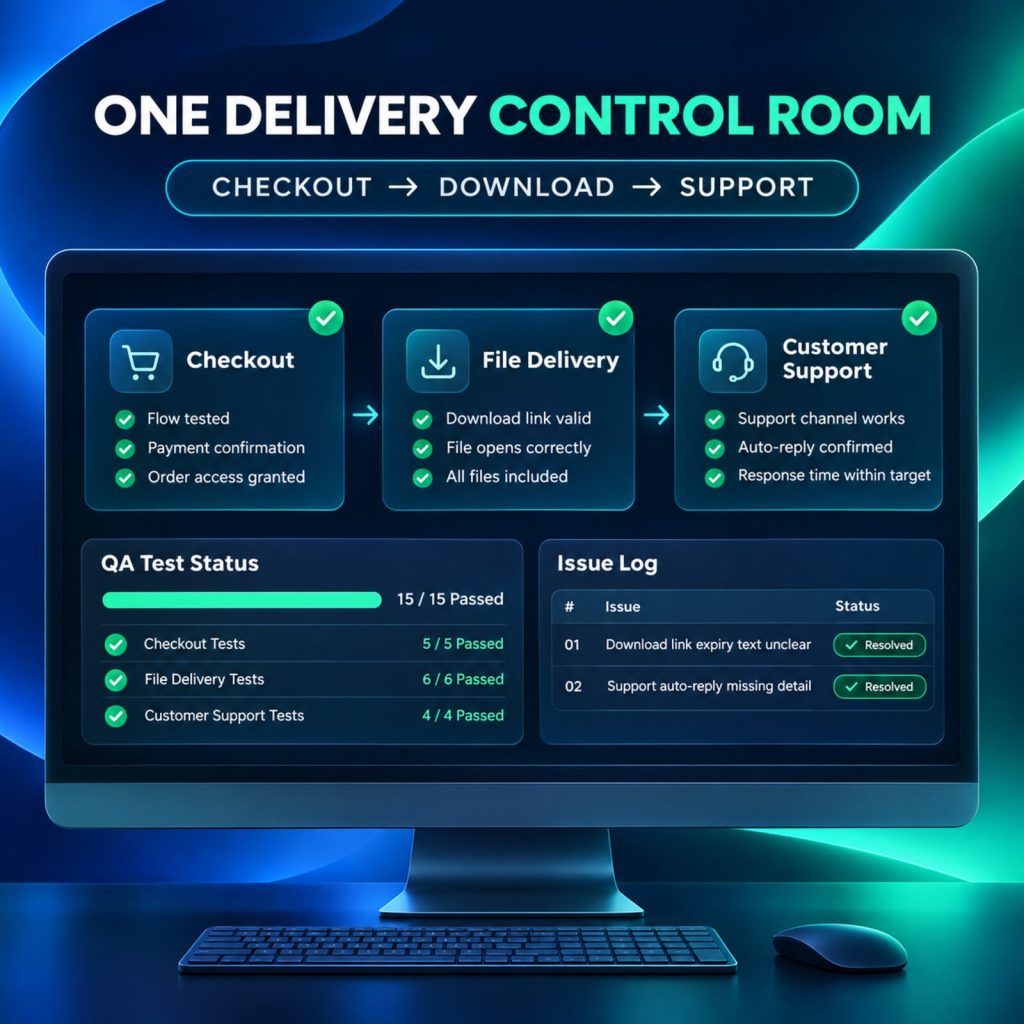
Run one buyer-journey check
Move through checkout, file delivery and support in a single offline dashboard. Record what you observed, assign an owner, and export an issue log when you need it.
02
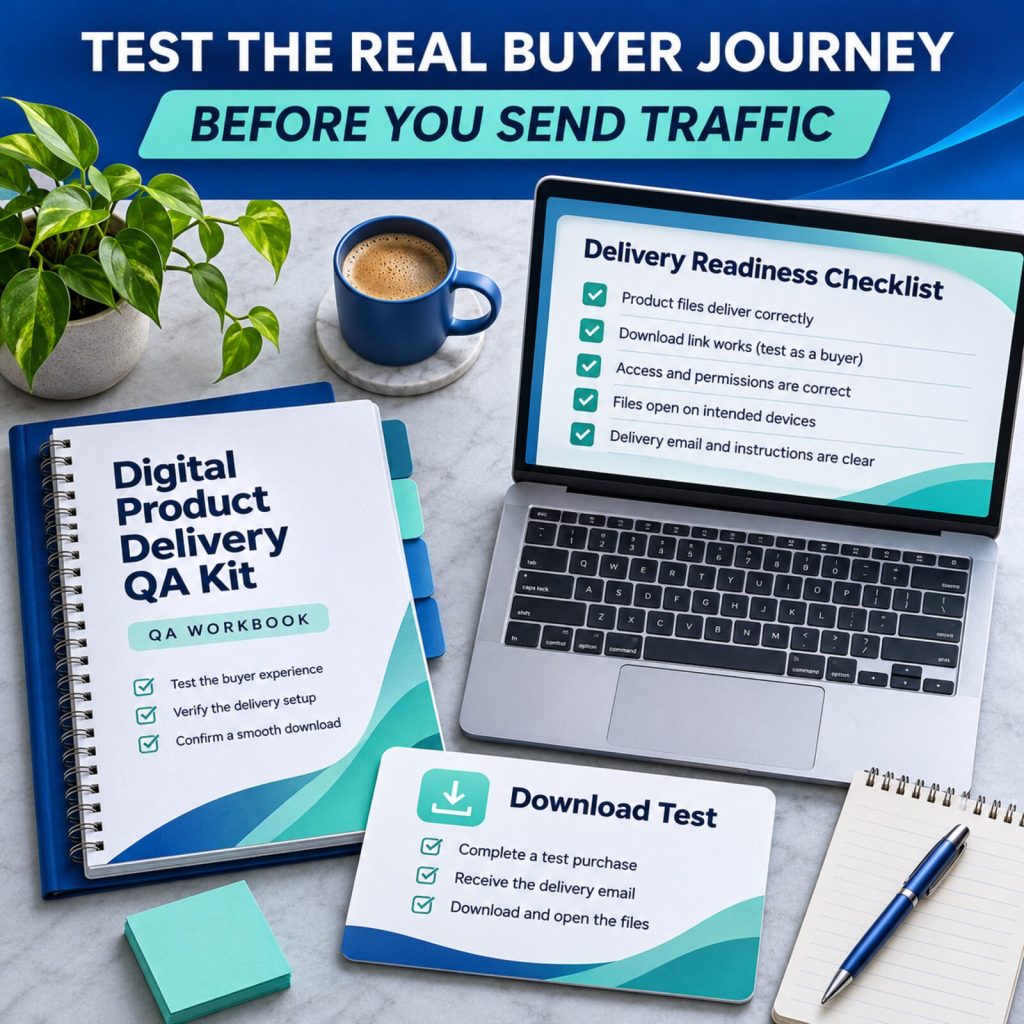
Verify before you send traffic
Use the field guide and checklist to test the permitted customer route, extract the customer ZIP, open every promised file and read your instructions with fresh eyes.
03
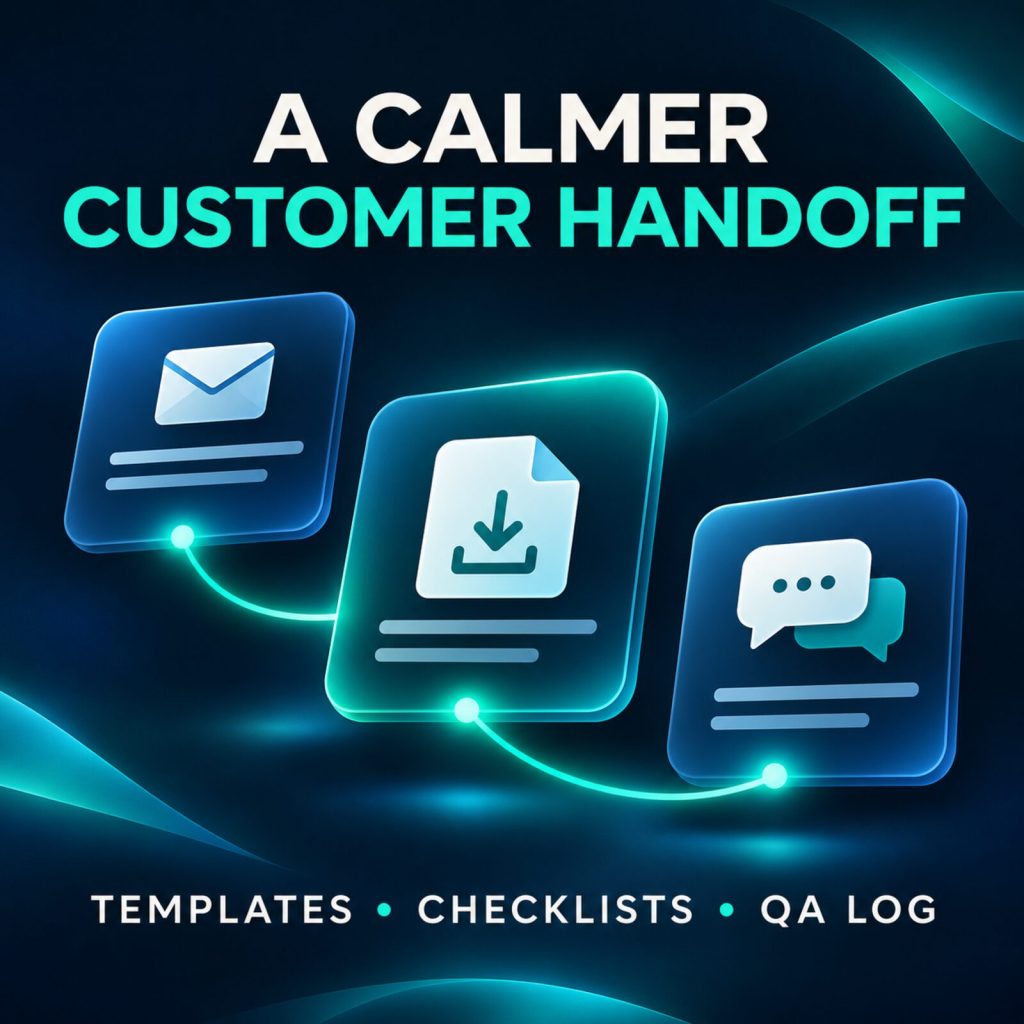
Keep the support handoff calm
Adapt the buyer-ready templates for delivery, access issues, updated files and feedback—without inventing policy or provider behaviour.
YOUR COMPLETE DOWNLOAD
Everything for a deliberate product handoff.
A practical release-quality kit that you can open locally, adapt to your business and reuse for future products.
-
Offline Delivery QA Dashboard
15 checkout, delivery and support checks, an issue log, readiness score, local save, JSON backup and issue CSV export.
-
Delivery QA Field Guide
A compact process for defining the promise, testing the buyer route, checking files, preparing support and deciding readiness.
-
Six Editable Customer Templates
Delivery, access issue, download instructions, launch-day support, version update and feedback request templates.
-
20 Evidence-First AI Prompts
Prompts for clarity and review grounded in your real product details, test notes and policies.
-
Worked Example + Licence
A fictional release example plus a one-person or one-business commercial-use licence for your own work.
Useful QA is honest about what it can and cannot prove.
This kit gives you a repeatable way to inspect the experience you are about to offer. It helps you notice gaps, document them and choose a more deliberate next step.
It does not process a payment, connect to your store, test a provider for you, guarantee delivery, or provide legal, tax, privacy, security, accessibility or platform-policy advice. Keep private customer and payment information out of the workspace.
Questions before you start
What do I receive?
One ZIP containing the offline HTML dashboard, field guide, six editable templates, 20 evidence-first AI prompts, a worked example, start instructions and licence.
Do I need a subscription or another app?
No. The dashboard is a self-contained HTML file that opens in a current browser. The templates are plain text and the guide is Markdown. Any store, AI or email service you use is separate.
Can I use it for different products?
Yes. Export a JSON backup for each release, then start a new local workspace or import a previous backup. The app is a one-workspace-at-a-time tool, not a cloud database.
Can I resell the dashboard or templates?
No. You can use and adapt the kit for your own business and client work, but you cannot resell, redistribute or share the reusable kit or derivative template packs.
Give your next buyer a clearer first experience.
Open the dashboard, test the actual delivery path, and launch with the important details checked.
Get the Delivery QA Kit