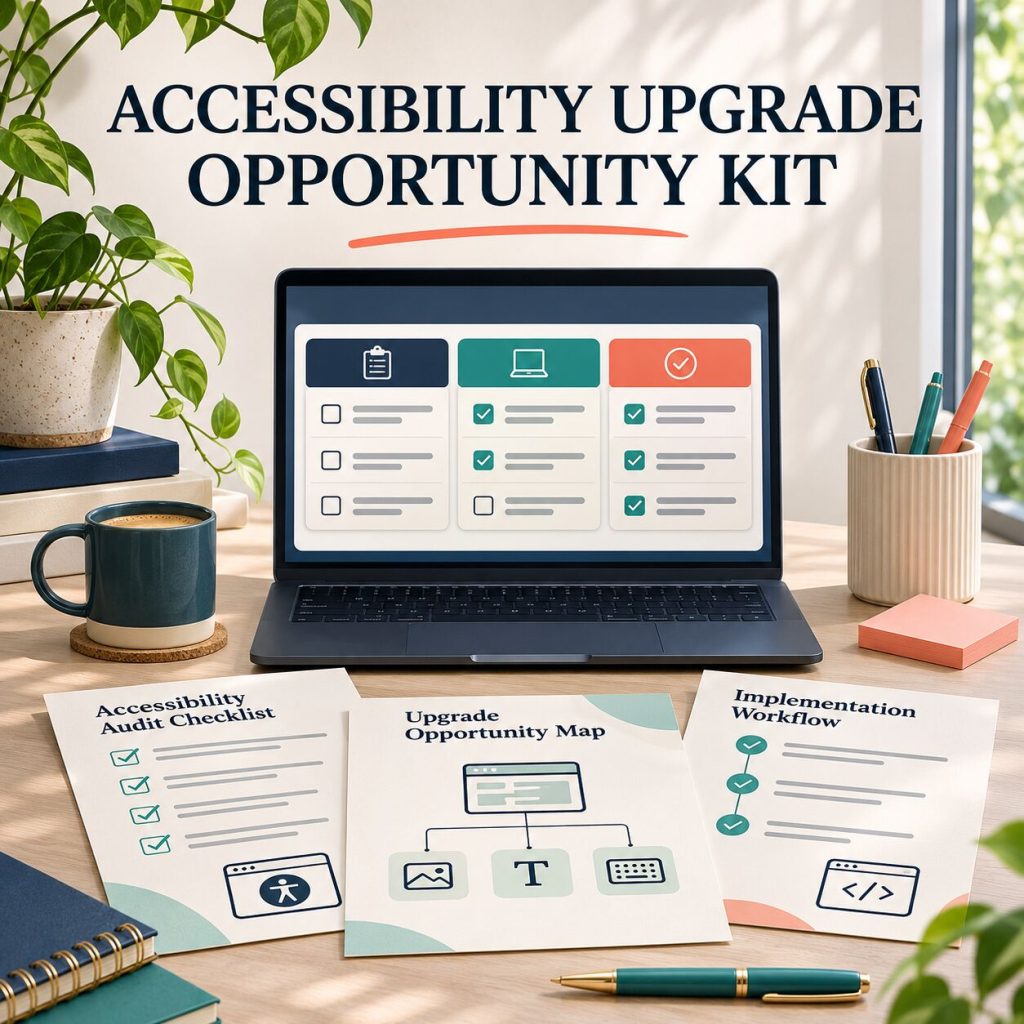
ACCESSIBILITY AUDIT, PROPOSAL & DELIVERY WORKFLOW FOR WEB DESIGNERS
Turn website friction into a clear, responsible upgrade plan.
A practical offline dashboard and client-ready toolkit for documenting observable barriers, prioritising improvements, scoping the work and handing it over with clarity — without making legal or compliance promises.
One-time payment
Get the Accessibility Upgrade Kit Pay with PayPalInstant access right after payment
What you get
- Works offline in your browser
- No account or subscription required
- Designed for your own client work
- Secure checkout
- One-time payment
A SIMPLE PROCESS YOU CAN EXPLAIN
From an observed issue to an agreed next step.
01
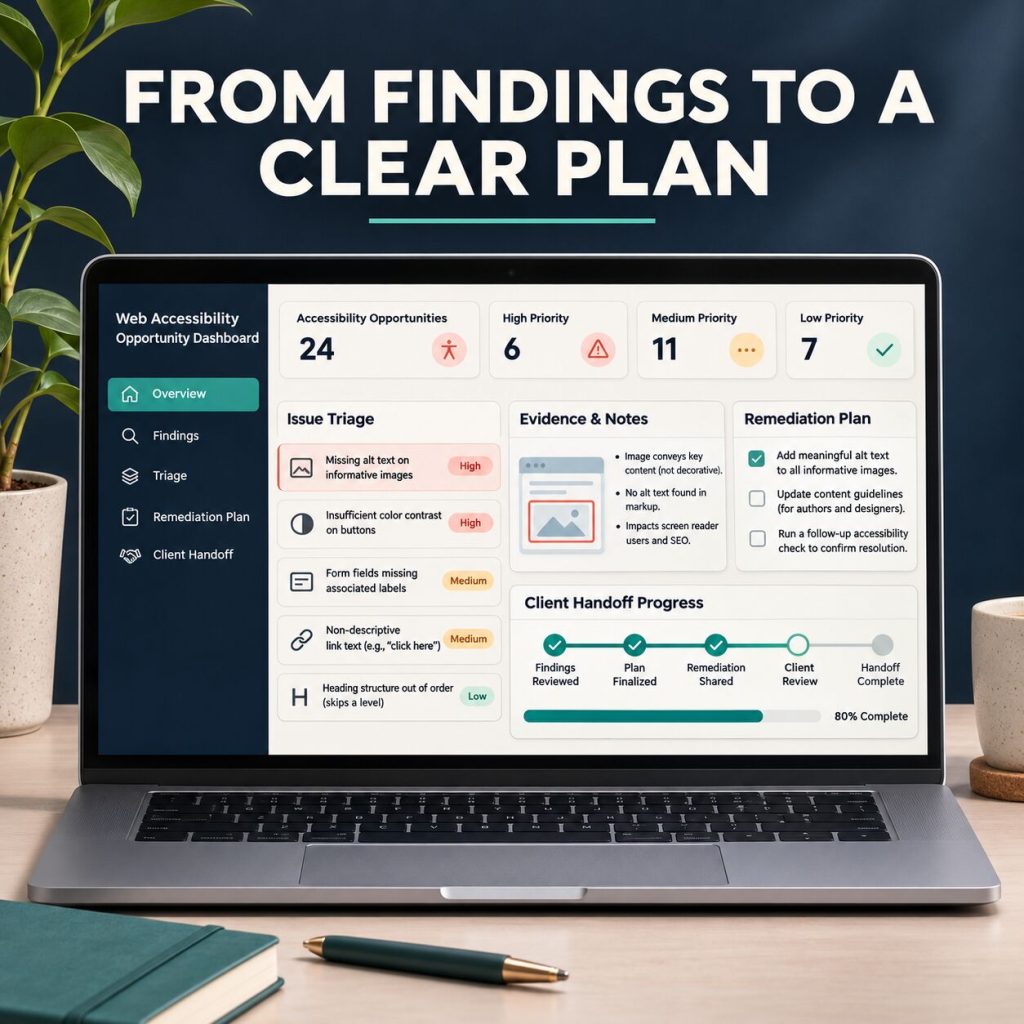
Organise evidence without overclaiming
Use the offline dashboard to record what you observed, where it appears, which journey it affects and what needs validation. Save locally and export to CSV when you need a backup.
02
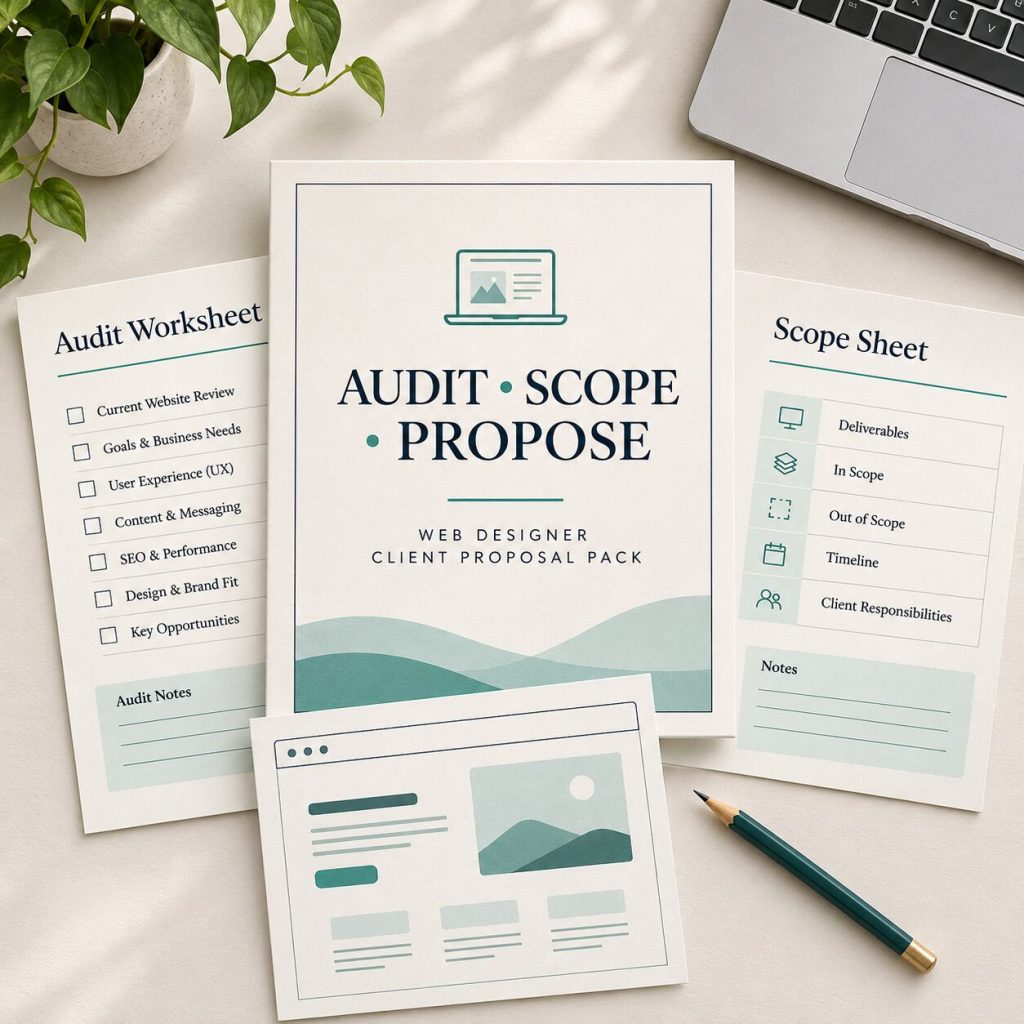
Scope the work with confidence
Use the discovery worksheet and proposal builder to separate high-impact fixes, broader redesign work, third-party tools and items that need specialist input.
03
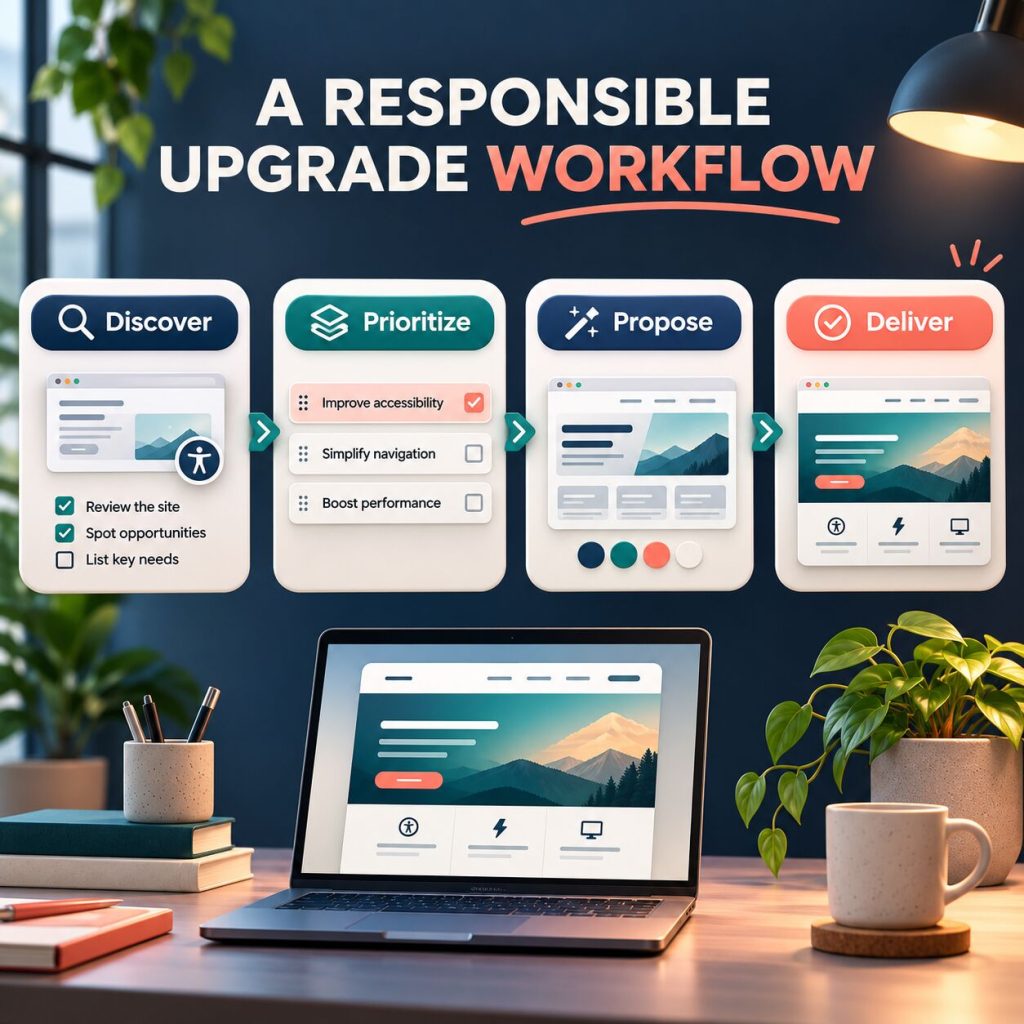
Deliver an upgrade, not vague promises
Follow a four-stage workflow: discover, prioritise, propose and deliver. Client email templates and a handover checklist keep each stage clear.
IN THE COMPLETE DOWNLOAD
A working client-workflow kit, ready for your next project.
Use the dashboard privately, adapt the templates to your service, and keep your client conversation grounded in evidence and agreed scope.
-
Offline Opportunity Dashboard
A standalone HTML workspace with project notes, finding records, priority plan, local save and CSV export.
-
Accessibility Discovery Worksheet
A structured way to observe a key user journey and record what needs validation without turning assumptions into claims.
-
Proposal & Scope Builder
Client-facing wording, inclusions, exclusions, assumptions and delivery phases for an accessibility improvement project.
-
Four Client Email Templates
Start the conversation, confirm discovery, gain scope approval and close out the work cleanly.
-
20 Responsible AI Prompts
Prompts for plain-language explanation, scope planning, testing questions and handover—each designed to avoid invented legal claims.
-
Delivery Checklist & Licence
A practical quality gate plus a one-person or one-business commercial-use licence for your own work.
Useful accessibility work starts with honest boundaries.
This kit helps you make an accessibility improvement project understandable and manageable. It gives you a way to describe what you observed, decide what to investigate, and communicate a transparent plan.
It does not replace legal advice, formal conformance testing, specialist assessment or user research. Requirements vary by jurisdiction, organisation and product. Use qualified help whenever the project calls for it.
ONE-TIME DOWNLOAD
Bring more structure to your next accessibility upgrade.
Get the complete workflow kit once. Use it in your own business and client projects under the included licence. No recurring fee.
$19
One-time payment- Instant access
- Secure checkout
- Download anytime
- Includes updates
Questions, answered
Who is this kit for?
It is for freelance web designers, WordPress developers and small studios that want a more reliable process for discussing and delivering website accessibility improvements with clients.
What exactly is included?
One ZIP containing an offline HTML dashboard, discovery worksheet, proposal and scope builder, four client email templates, 20 responsible AI prompts, delivery checklist, README and commercial-use licence.
Does this make a website compliant or provide a formal audit?
No. It is a practical project-workflow resource. It does not provide legal advice, certification, formal conformance testing or a guarantee that a website meets any particular law or standard.
Do I need a subscription or another app?
No. The dashboard is a self-contained HTML file. Open it in a current browser on Windows, macOS or Linux. It stores project notes locally in that browser until you export or clear browser data.
Can I use it with WordPress clients?
Yes. It is platform-neutral and especially useful for WordPress freelancers. It does not include WordPress software or replace accessibility, legal, testing or security specialists.
Can I use the resources for client projects?
Yes. One buyer or one internal business may adapt the files for its own client work. You may not resell, redistribute, sublicense or share the original reusable kit files.
Are the gallery images literal screenshots of the dashboard?
They are AI-created product illustrations that communicate the workflow themes. The included dashboard and documents contain the actual working resources described on this page.
Make your next accessibility conversation more actionable.
Open the dashboard, document the opportunity and build a client plan you can explain.
Get the complete kit